Thoreau BASIC
A downloadable tool
Thoreau BASIC
A GW-BASIC interpreter that runs on bare metal. No operating system. Power on, and you're at Ready.
In 1984 you flipped a switch and the machine handed you a language. No desktop, no shell, no filesystem to negotiate. Just a cursor and the whole computer underneath it.
BASIC64 is that, on a 64-bit machine you can actually buy. It's a UEFI application: the firmware hands it the hardware and steps away. There is no OS running beneath it. Nothing is scheduling it, sandboxing it, or borrowing its cycles. The framebuffer is yours, the RAM is yours, and the only thing between you and the silicon is a language designed in 1975.
The name works both ways: 64-bit, and the lineage.
What's in it
- GW-BASIC compatible — when saved with save "prog",a in ASCII format.
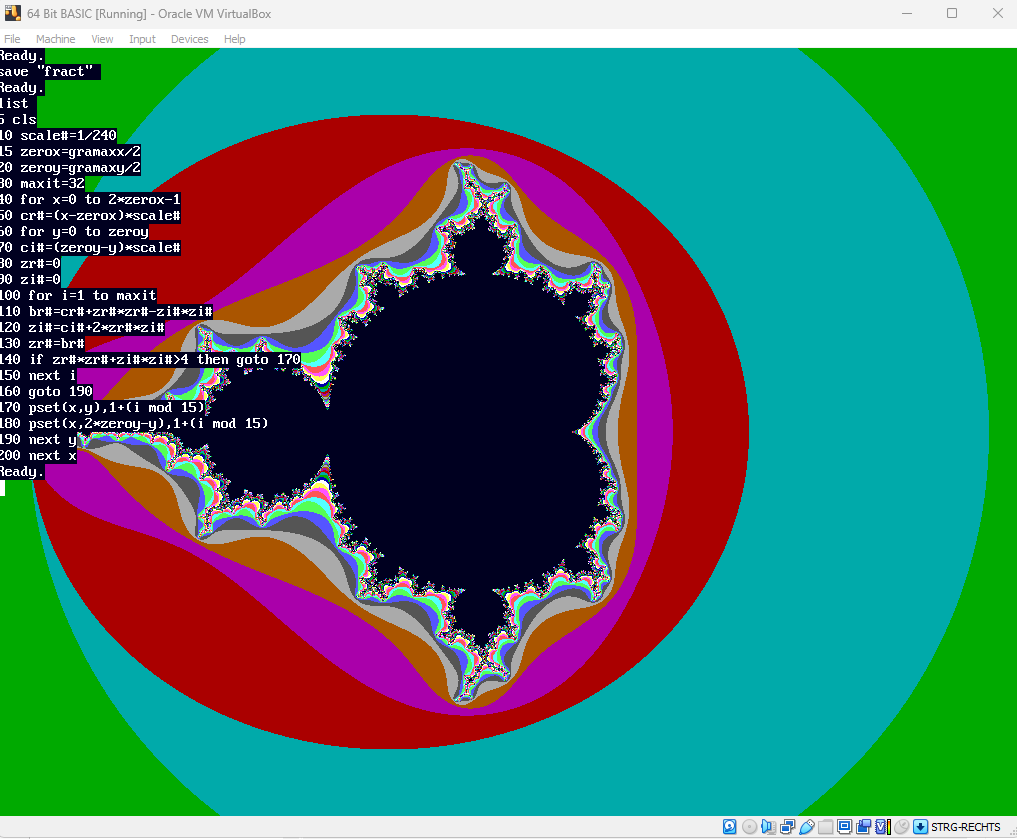
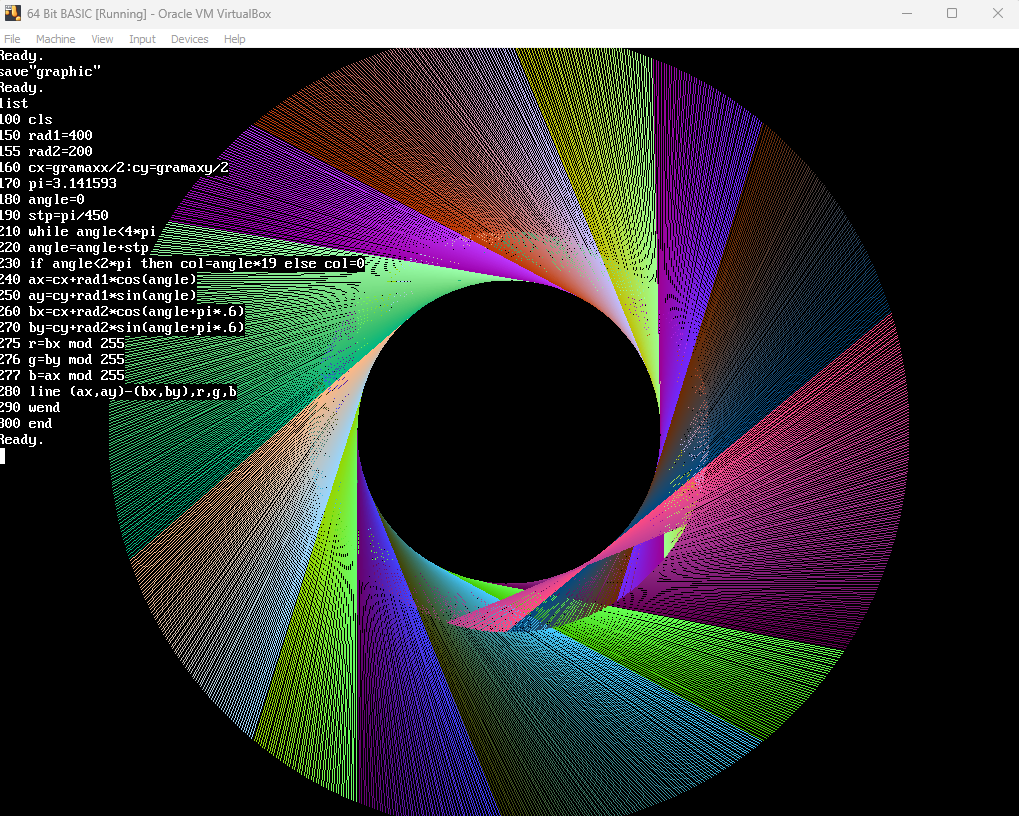
- Full graphics —
PSET,LINE,CIRCLE,PAINTand friends, at native framebuffer resolution, 16 color EGA and 24 bit color syntax. Whatever the firmware gives you, you get. - Disk I/O —
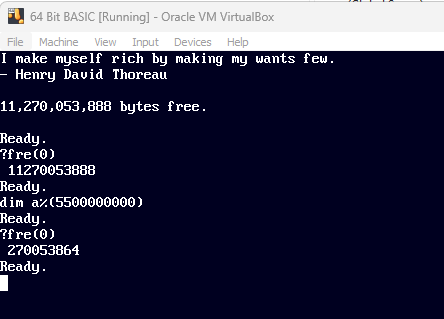
SAVE,LOAD,MERGE,FILES,KILL, running directly on the UEFI Simple File System. - Real memory — a three-pointer memory model with no 64KB ceiling. Arrays in the billions of elements, if you want them.
- Authentic text — IBM VGA 8×16 font, soft-scrolling console.
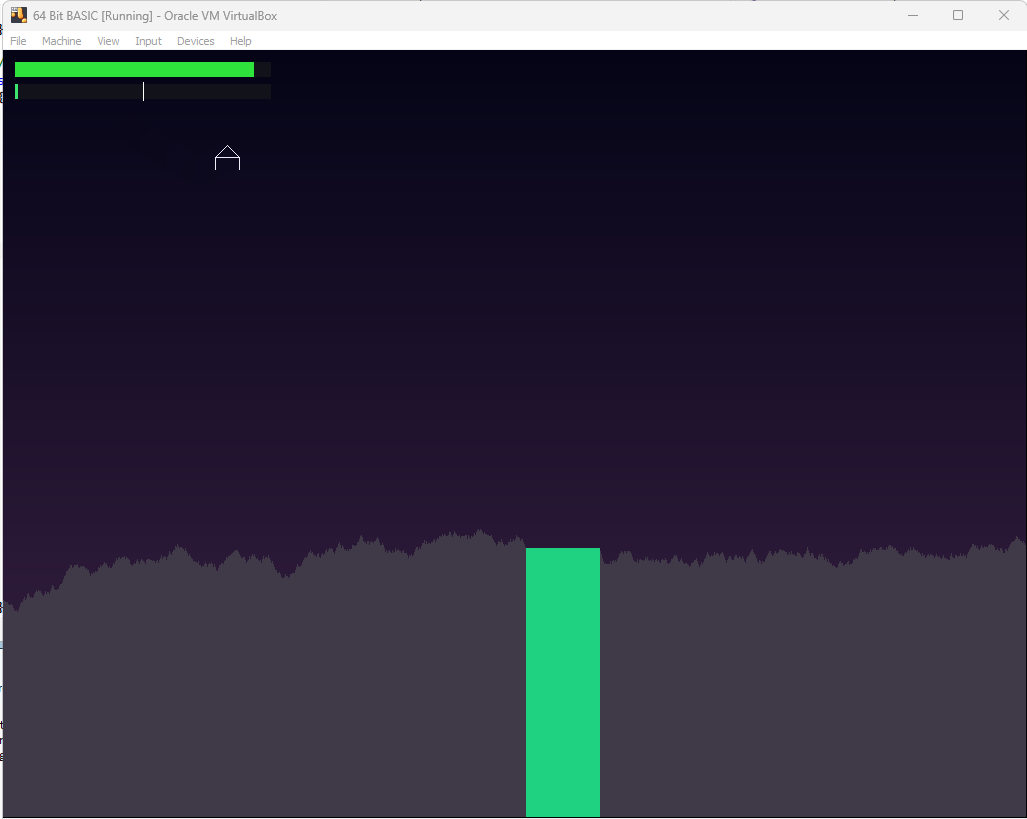
- Try loading the Lunar Lander demo - load"lunar.bas", followed by run
Two honest extensions
GW-BASIC assumed it knew the screen. Under UEFI it can't. Resolution is whatever the firmware decided this morning. So GRAMAXX and GRAMAXY are readable variables holding the actual bounds. Programs that ignore them behave exactly as before.
The screen command differs from the original for the same reason: You can try to switch resolutions with "screen x,y".
screen 1024,768 should work on almost every machine, and this will most likely the mode it boots up in. You can try to change it to you native screen resolutions for a better experience. GRAMAXX and GRAMAXY are updated when you execute a screen command.
That's the rule for this dialect: extend GW-BASIC only where bare metal makes the original question unanswerable. Nothing else gets added for convenience.
Download
Install instructions
Requirements: UEFI enabled and Secure Boot disabled - in your VM, or in your firmware if you dare to run it on real hardware. :-)
Development log
- ESC now works again1 day ago
- Instructions for running it under qemu-system-x86-641 day ago
- Lunar Lander demo included2 days ago
- Graphics, file I/O, floating point, everything :)3 days ago
- Integer variables, print, dim, fre(0)7 days ago
Comments
Log in with itch.io to leave a comment.
Nice! I have been messing with buildroot to create the smallest and quickest possible booting basic, and it works, but this solution is much cleaner, and is not relying on any OS. Interested in further developments!